Online forms that make safety simple — and compliance audit-ready.
FormSafely helps teams capture hazards, incidents, inspections, and training sign-offs in minutes. Replace paper, reduce errors with required fields and validation, and keep submissions ready to export as PDF or CSV. Start with a 10-day free trial on Admin — sign up, build a form, and share a fill link. See pricing.

Why online forms improve safety and compliance
Digital forms remove friction. They’re fast to fill on any device via a share link, reduce transcription errors, and give you a system of record you can export for audits.
Faster digital capture
Frontline teams capture hazards and incidents with guided fields, photos, and signatures—no paper chase after the fact.
Fewer errors
Required fields, validation, and conditional show/hide help prevent missed information and illegible handwriting—no more retyping into spreadsheets.
Exportable records
Submissions are stored in Reports. Export PDF or CSV when you need records for audits, reviews, or board packs.
Fill from any device
Share a fill link so people can submit from phone or desktop. Preview includes a mobile/phone frame so you can check the experience before you share.
Consistent SOPs
Start from templates—Hazard, Incident, Near Miss, Toolbox Talk, Vehicle Pre-start, Inspection Checklist—or build your own so teams follow the same steps.


Features designed to keep safety moving
What you need to digitize safety workflows—without the complexity.
Drag-and-drop builder
Create hazard, incident, checklist and training forms with fields like text, photo, phone, time, and draw-on signature—plus save, duplicate, rename, and delete.
Industry forms
Purpose-built safety forms for construction, manufacturing, energy, warehousing, trades, and logistics — start from a template for your industry and customise.
Smart validation
Required fields, validation, and conditional show/hide help ensure complete, accurate submissions—including photo and signature evidence.
Share fill links
Publish a fill link so others can submit from any device. Sign-in is for the builder; fillers use the link you share.
Reports & exports
Submissions land in Reports. Export CSV or PDF when you need a spreadsheet or a printable record.
Preview
Preview forms as you build, including a mobile/phone frame, so the fill experience looks right before you share.

Latest updates
- 19 Oct 2026 — Duplicate stays a draft: Copy a form from Saved Forms and the new one opens as Draft with no one assigned — tweak it before you publish.
- 13 Oct 2026 — Keyboard delete: Select a field in the builder and press Delete or Backspace to remove it — changed your mind? Hit Undo to bring it straight back.
- 12 Oct 2026 — Move fields with the keyboard: Select a field in the builder and press Alt+↑ / Alt+↓ (⌥↑ / ⌥↓ on Mac) to move it up or down — no dragging needed.
Industry
FormSafely serves teams across construction, manufacturing, energy, warehousing, trades & contracting, logistics & transport, healthcare & hospitality, education & facilities, and agri & field. Pick your industry to see the safety form built for how your people work — then customise it and share a fill link.
Construction
Sites, scaffolds, and subcontractors need permits, inspections, and fast hazard capture before work continues.
Manufacturing
Plants need machine LOTO, quality NCRs, and chemical spill records that stay audit-ready.
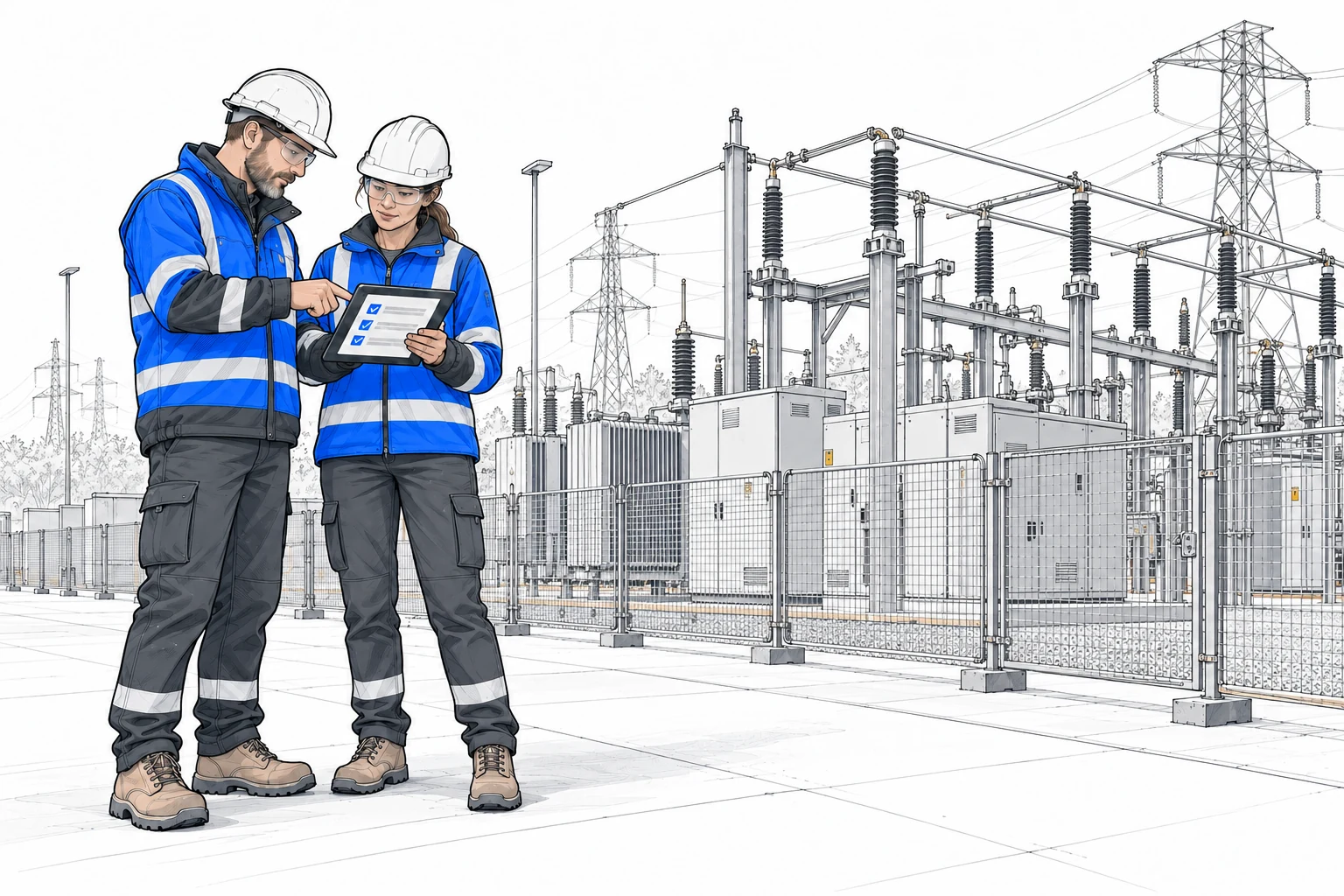
Energy
Utilities and energy sites need clear incident records with injuries, photos, and sign-off when something goes wrong.
Warehousing
High-bay ops need safety walks, forklift pre-use checks, and near-miss capture before issues escalate.

Trades & contracting
Crews need toolbox talks plus hot work, confined space, and dig permits that travel with the job.
Logistics & transport
Fleet and plant move only after daily checks — trailers, fatigue self-checks, and load securing before departure.

Healthcare & hospitality
Care settings and hospitality need non-clinical incident logs, kitchen temps, housekeeping, and guest property records.
Education, office & facilities
Schools and offices run fire drills, first aid kit checks, contractor inductions, and visitor sign-in.
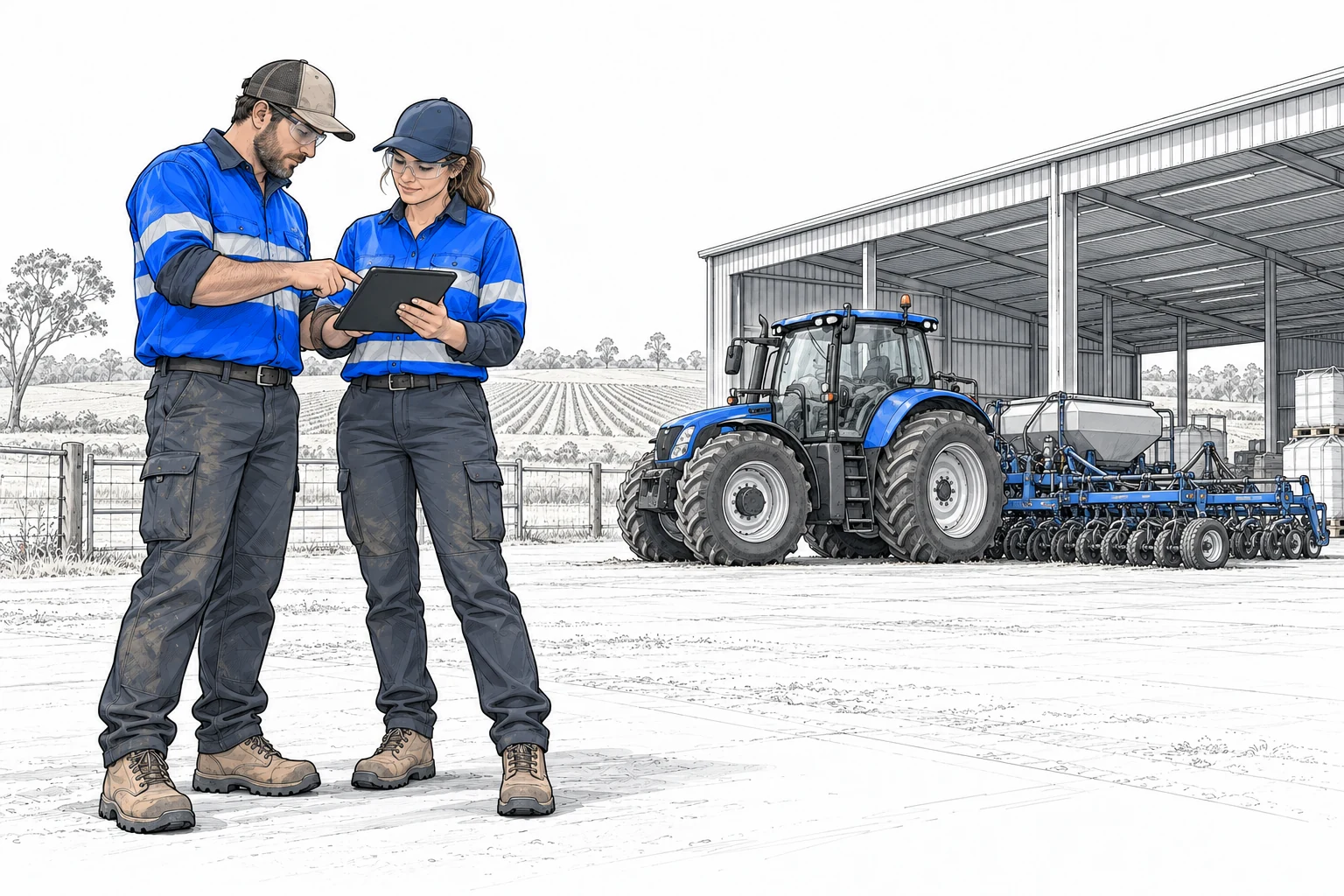
Agri & field
Farms and field crews log hazards, plant pre-starts, and lone-worker check-ins from a phone.
MCP for AI tools
Connect FormSafely form data to the AI tools your team already uses. An upcoming MCP server will let assistants read and work with your forms and submissions securely.
MCP server for form data
Model Context Protocol (MCP) lets AI tools call a standard connector instead of one-off scripts. With a FormSafely MCP server, assistants in tools that support MCP can connect to your form data—list forms, look up submissions, and pull answers—using the permissions you grant.
That means asking an AI helper things like “summarize today’s hazard reports” or “export open incidents for Site B” without leaving your chat or IDE.
Upcoming MCP server
We’re building a FormSafely MCP server so AI clients can plug into your form data the same way they connect to other tools.
That gives assistants a ready-made MCP connection to what your teams capture in FormSafely—so automation and chat stay in sync with live forms and submissions.
How it works
Start with one form, then expand across checklists, inspections, and training sign-offs.
1) Build
Use the form builder at /builder or start from templates like Hazard, Incident, Near Miss, Vehicle Pre-start, Toolbox Talk, and Inspection Checklist. Add required fields, validation, and conditional logic as needed.
2) Share a fill link
Share the fill link so staff can submit from any device. Preview on desktop or in a mobile/phone frame before you send it out.
3) Collect & export
Submissions are stored and listed in Reports. Export CSV or PDF when you need records for review or audits.


Form Builder
Build safety and compliance forms with a drag‑and‑drop Form Builder at formsafely.com/builder. Create fields, use templates, share a fill link, then collect submissions and export PDF or CSV.
What you can do
- Drag‑and‑drop fields (text, photo, phone, time, signature, and more), plus required fields, validation, and conditional show/hide.
- Preview as you build — including a mobile/phone frame.
- Save, duplicate, rename, and delete forms; share a fill link so others can submit.
- View submissions in Reports and export CSV or PDF.
Sign up or sign in to build and manage forms. Owner and admin seats include a 10-day free trial, then $5 USD per admin user / month (up to 10). People who only fill forms sign up free. See Pricing.
Security, privacy & compliance
Basics we use to keep the site and your accounts protected. Full details are in our Privacy & Terms.
Data protection
- The site uses HTTPS/TLS in transit.
- Sign-in accounts for the builder and managing forms.
- Customer data is hosted on AWS in the United States.
Privacy & terms
- See Privacy & Terms for hosting, retention, and how we handle data.
- Export your submissions as PDF or CSV from Reports.
- Questions? Contact hello@formsafely.com.
Frequently asked questions
Can we use our own forms?
Yes — build them in the drag‑and‑drop builder with the fields you need, or start from a template (Hazard, Incident, Near Miss, Toolbox Talk, Vehicle Pre-start, Inspection Checklist) and adapt it.
What about signatures and photos?
Yes. Forms can include photo fields and draw-on signatures, so evidence is captured with the submission on phone or desktop.
Do frontline users need an account?
Not for filling. Share a fill link so people can submit without a builder login. Sign-in is for creating forms, managing them, and viewing Reports.
Can we export our data?
Yes — open Reports, pick a form, and export submissions as CSV or PDF.
Start your free trial
Sign up or sign in to build safety forms, share fill links, and try Admin with a 10-day free trial. No demo call required.